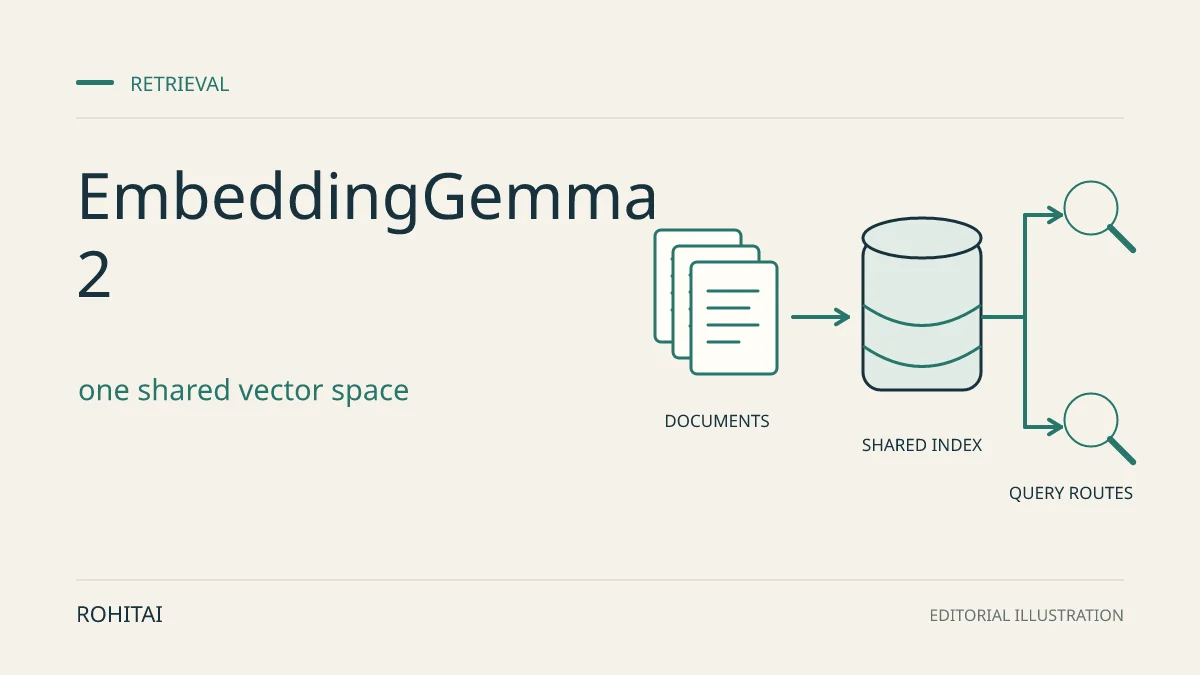
Google announced EmbeddingGemma 2 on October 6, 2026, giving search and retrieval-augmented generation (RAG) builders a downloadable multimodal model for local deployment. Text, code, images, video and audio map into one shared vector space. Google lists the release under Apache 2.0; the public Hugging Face repository provides the checkpoint.
The practical opportunity is to retrieve media directly, without first turning every image into a caption or every recording into a transcript. That is a retrieval design option, not a replacement for extracting exact words, invoice fields or answers: the model returns vectors, not those outputs. Keep a separate reader or extractor when the application needs them. Hugging Face’s architecture documentation describes the vector-only representation.
Choose encoders for indexing and queries separately
Start with what must be searchable. These are four loading configurations of the same checkpoint, not four unrelated models. Google’s developer guide documents the following choices:
Inputs to encode | Loaded parameters | Sentence Transformers config_kwargs |
|---|---|---|
Text and code | 270M | {"vision_config": None, "audio_config": None} |
Text, images and video frames | 440M | {"audio_config": None} |
Text and audio | 570M | {"vision_config": None} |
All modalities | 740M | {} |
Google documents compatible embeddings across these configurations. A useful architecture follows: index media with the required encoders, then serve text queries using the 270M configuration. Keep the checkpoint revision, output dimension, prompt roles and preprocessing consistent. Fewer loaded parameters do not establish a proportional latency or total-memory saving.
This compatibility applies within EmbeddingGemma 2. It is not a verified bridge from EmbeddingGemma 1 or another model. For an existing corpus, build a separate versioned collection; equal vector lengths do not mean equal embedding spaces. RohitAI’s Cohere Embed 5 guide explains the related distinction between query routing and model migration.
A working text-only service has less reason to rush. In Google’s full-precision results, multilingual MTEB rises from 61.15 to 61.36, while code MTEB rises from 68.76 to 78.68. The calculated differences are 0.21 and 9.92 score points. These vendor results support prioritizing code and mixed-media pilots, not assuming every text index improves.
Budget vectors separately from model memory
EmbeddingGemma 2 supports 768, 512, 256 and 128 dimensions. The table combines Google’s reported MMEB v2 overall scores with a separate storage calculation: one million vectors × dimensions × four bytes per float32 value. GB means decimal gigabytes.
Dimensions | Calculated raw vector storage | Google-reported MMEB v2 overall |
|---|---|---|
768 | 3.072 GB | 59.01 |
512 | 2.048 GB | 58.38 |
256 | 1.024 GB | 56.24 |
128 | 0.512 GB | 45.65 |
The storage figures exclude search-index structures, IDs, metadata, originals, replicas and runtime memory. The benchmark column is not answer accuracy, a storage measurement or a quantized-device result.
Calculated from those scores, 256 dimensions retain 95.3% of the 768-dimensional MMEB score; 128 retain 77.4%. Those ratios are not guarantees for individual modalities. Start a multimodal evaluation at 768 or 512 dimensions, then compare 256. Adopt 128 only if the actual retrieval task tolerates the loss.
Use the same dimension for queries and documents. Request normalization after truncation; if slicing vectors yourself, normalize the shortened values before using dot products as cosine scores. An exact cosine implementation accounts for norms itself. Keep dimension reduction, model-weight quantization and vector-database quantization as separate decisions. The integration documentation shows truncation and normalization.
A minimal text-to-image search integration
The checkpoint configuration requires Sentence Transformers 6.1.0 or later, and Transformers 5.19.0 adds this architecture. The following documentation-derived example pins those versions and the checked model revision. It has not been executed or benchmarked by RohitAI.
pip install 'sentence-transformers[image]==6.1.0' 'transformers==5.19.0'import torch
from sentence_transformers import SentenceTransformer
model = SentenceTransformer(
"google/embeddinggemma-2",
revision="914f7f89142e33e77833254d9c9b90c3cef7303b",
device="cpu",
model_kwargs={"torch_dtype": torch.float32},
config_kwargs={"audio_config": None},
truncate_dim=512,
)
# Replace these with actual local page images.
page_vectors = model.encode(
[{"image": "page_1.png"}, {"image": "page_2.png"}],
normalize_embeddings=True,
)
query_vectors = model.encode(
["Which page describes waterproof trail shoes?"],
prompt_name="SearchQuery",
normalize_embeddings=True,
)
scores = model.similarity(query_vectors, page_vectors)
This fragment compares a text query with two page images; it does not parse a PDF, extract text or generate an answer. Preserve the mapping from each vector to its source page. The initial checkpoint download needs network access; local input paths alone do not establish an offline application.
For text corpora, set prompt_name="Document"; for ordinary queries use SearchQuery, and for code-search queries use CodeRetrieval. The stored prompt definitions make Document insert a no-title prefix. When a real title exists, format title: {title} | text: {content} manually without adding Document again. Standalone media inputs use modality dictionaries without text-task prefixes.
Follow the model card’s precision guidance: float32, as above, or bfloat16 on a supported inference path. Do not substitute float16; Google warns of NaNs or degraded embeddings. Check dimensions, finite values and expected vector norms in your integration.
Chunk media around retrieval needs, not just context size
The shared context is 8,192 tokens. Google lists default costs of 280 tokens per image, 140 per video frame and 25 per second of audio. The advertised maxima—about 29 images, 58 frames or 327 seconds of audio—are separate single-modality capacities, not simultaneous allowances. Text and other media consume the same budget. Google’s input limits describe these assumptions.
Document pages: render PDFs into page images or extract text with a separate parser. The checked Python examples do not establish raw-PDF input. Keep page identifiers so a search result opens the evidence it represents.
Video: the processor configuration defaults to 1 frame per second, a 32-frame cap, uniform overflow sampling and no inserted timestamps. Thus 58-frame context capacity is not the default sampling behavior. Split clips into useful intervals and retain their source times; sparse frames can miss brief events. Treat soundtrack retrieval as an explicit audio path, not an automatic benefit of loading vision.
Audio: follow the documented 16 kHz mono input format. Chunk recordings by the passages users need to find, retaining time ranges. A retrieved segment still needs transcription or listening when an answer depends on exact wording.
Decide whether the pilot should replace your pipeline
For mobile deployment, Google documents LiteRT and MediaPipe integration routes. Its ML Kit service remains planned for the coming weeks, and the launch announcement lists Model Garden availability as forthcoming. Do not treat this CPU Python fragment as a mobile performance demonstration or assume identical preprocessing across runtimes.
Use a bounded pilot before replacing an existing index:
Compare against the current system on human-labelled queries, including no-answer cases, actual languages, small document text, code, noisy audio and brief video events. Measure Recall@k—the share of relevant items retrieved—and ranking quality separately by task.
Record cold and warm latency, peak application memory and total index size. Include media preparation, ingestion, re-embedding and maintenance in cost estimates; the absence of a mandatory embedding API call does not make operation free.
Keep the incumbent collection usable while evaluating. Record model revision, dependency versions, dimension, normalization and media sampling alongside the candidate index.
For RAG, check whether retrieved evidence actually supports the generated answer. Verify the data paths of the database, generator, telemetry and backups before calling the whole system local or offline.
EmbeddingGemma 2 is worth evaluating when direct mixed-media retrieval or code search solves a specific problem. Keep the existing pipeline when it already meets relevance and operating targets and the pilot shows no useful gain. Device fit and retrieval quality for your collection remain unknown until measured.
Methodology: This guide uses Google’s release materials, public model configuration and Hugging Face documentation, checked on October 6, 2026, with AI-assisted research and drafting. Storage figures and score ratios are calculations; benchmarks are Google’s. No inference, installation, device profiling or benchmark replication was performed.