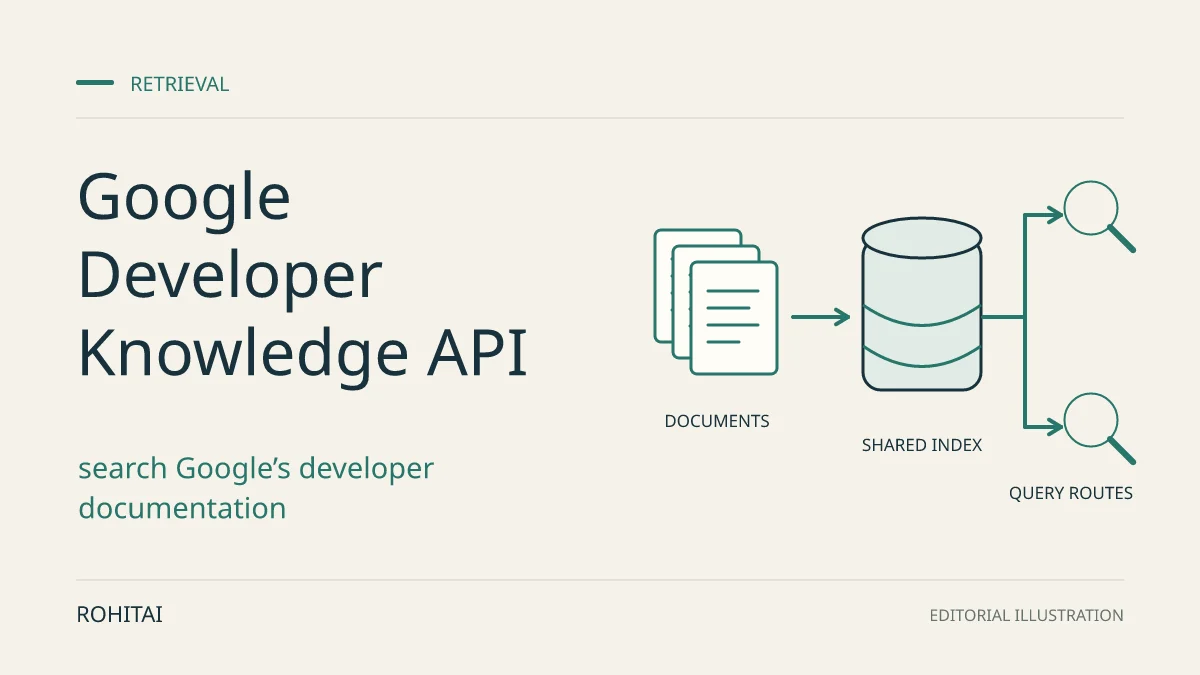
Google published an overview of its Developer Knowledge ecosystem on October 7, 2026, bringing together its documentation API, MCP server, command-line tools and agent skill. For developers building on Google Cloud, Firebase or Android, the practical benefit is an official documentation lookup path inside an assistant or application, without maintaining a scraper.
This was not a new API launch. Google’s release notes date API and MCP general availability to April 16. The newer adoption paths are the gcloud commands, generally available since September 22, and the agent skill, available since September 25.
Choose MCP for an assistant, the API for retrieval control
The service lets coding agents search Google’s developer documentation and retrieve the relevant pages as Markdown. It also offers generated answers grounded in that corpus. Google’s integration guidance separates ready-made assistant tools from interfaces that let you shape the retrieval workflow.
Your task | Starting point | Main tradeoff |
|---|---|---|
Connect an existing coding assistant | Hosted MCP server | Ready-made tools; fewer controls for filtering and response shaping. |
Look up documentation from a terminal | gcloud developer-knowledge | Useful for interactive searches and scripts; account and project setup still apply. |
Build an IDE extension or internal developer tool | API or official client library | Control metadata filters, returned fields and preprocessing; own the integration and error handling. |
For a custom application, the client-library quickstart covers Application Default Credentials and language-specific setup. Follow the current SDK contract rather than assuming an illustrative blog sample matches the installed library.
Citation handling can decide the choice. The REST answer response includes source references and citation spans whose offsets count UTF-8 bytes, not characters. The MCP answer response instead documents answer text and referenced document names. Our recommendation: use the API when your interface needs to highlight precisely which source supports each answer segment.
Connect an assistant and verify a real lookup
Google’s MCP connection guide covers Claude Code, Cursor, GitHub Copilot and Codex. The following setup is documentation-derived, not a tested compatibility report.
Choose a Google Cloud project and enable Developer Knowledge API in the Cloud console.
For API-key authentication, create a dedicated key restricted to Developer Knowledge API. Use protected client credential settings to supply the
X-Goog-Api-Keyheader; keep credentials out of prompts, URLs and shared configuration.Configure an HTTP MCP server at
https://developerknowledge.googleapis.com/mcp, following the guide’s tab for your client. Reload the assistant’s MCP connections.Ask about a covered Google guide. Confirm a successful
search_documentsoranswer_querycall and returned sources. Saving a server entry does not establish that retrieval works.
OAuth/ADC is another documented route, but token refresh depends on the client. Google does not support OAuth Dynamic Client Registration.
Google also supplies an optional retrieving-developer-knowledge agent skill to guide tool selection and REST fallback. Its documented installation command is:
npx skills add google/skills --skill retrieving-developer-knowledgeInstalling these instructions is separate from authenticating a server or proving that a lookup succeeded.
Use gcloud for a first documentation search
For a terminal workflow, the official gcloud quickstart requires an installed, current CLI, account sign-in, an active project and API enablement. Sign in through the supported browser flow, select the project, enable developerknowledge.googleapis.com, and check the enabled-services list before querying.
This example searches documentation; it does not create or modify a Firestore database. It is adapted from Google’s published CLI example and was not executed for this guide:
gcloud developer-knowledge documents search-chunks --query="Firestore transactions"Inspect the returned snippets and source URLs. If a snippet lacks necessary context, pass its parent resource name to gcloud developer-knowledge documents describe. The retrieval guide distinguishes this resource identifier from a normal web URL: use the returned name for retrieval and the URL for reader-facing citations.
Route precise lookups differently from broad questions
Google’s tool-selection guidance recommends search for exact flags, parameter names, permissions and syntax, using two to five targeted keywords. Generated answers suit broader how-to questions and product comparisons. A citation is a route back to evidence, not proof that an answer or code sample is correct.
Fetch only the missing context. Inspect search snippets first, deduplicate parent document names, then retrieve the pages needed to resolve the question. The MCP get_documents reference allows up to 20 document names per call. Batching reduces request count; it does not automatically reduce what enters the model’s context.
Filter before forwarding. Custom integrations can constrain source domains, update times or document byte length and select response fields. The search and retrieval guide documents these controls. Byte length is not a tokenizer count, so it cannot establish a model-cost saving by itself.
Keep release dates separate. The search reference defines
update_timearound meaningful content or metadata changes. Use the actual release note for an announcement date and version-matched documentation for SDK syntax.
Plan around the generated-answer quota
Google lists the following default project quotas. Check the project’s assigned limits in Cloud console before a team rollout.
Operation | Default allowance per project |
|---|---|
AnswerQuery | 50 calls each day |
SearchDocumentChunks | 100 calls each minute |
GetDocument and BatchGetDocuments | 100 calls each minute, shared between the two methods |
Illustrative capacity calculation: 10 developers × 5 generated answers each = 50 calls, exhausting the daily default. This assumes one shared project, with no retries, other users or background workloads. It is arithmetic from the documented quota, not a throughput measurement.
For an answer_query quota-exhaustion 429, Google’s MCP reference recommends search_documents instead. That suggests a practical design: use retrieved snippets with your existing model for routine lookups and reserve generated answers for questions that need synthesis. Changing from MCP to REST alone does not create another project allowance.
The reviewed product pages did not establish a price schedule or a free-use guarantee. Quotas are not prices. Track searches, document retrievals, generated answers and downstream model tokens separately; do not estimate a rollout budget from the daily answer limit alone.
Check coverage before trusting an empty result
The corpus reference lists public documentation across Google Cloud, Firebase, Android, Maps, Chrome and other supported domains. It explicitly excludes several language-specific Cloud SDK reference paths, including Python, Java and Node.js. A supported product therefore does not imply complete SDK-reference coverage.
For example, a Cloud guide can be available while a needed language-specific reference page is excluded. Keep a direct, version-matched SDK-reference or repository lookup available for exact method signatures. An empty corpus result cannot establish that a method does not exist.
Google’s current freshness guidance states a 48-hour re-indexing goal, also described as availability within two business days. Treat this as a goal, not instantaneous coverage or a contractual freshness guarantee. For a just-announced change, check the original page directly.
The MCP service returns English public documentation, not private repositories or internal documents.
A small rollout check before wider use
A useful proposed pilot is four lookups: a known covered guide, an explicitly excluded SDK-reference page, a precise syntax question and a broad how-to question. Record the client and SDK versions, query, actual tool invoked, returned source identifiers, errors and whether the answer matches those sources. These are suggested checks, not results from a completed test.
Also decide what the coding agent may execute after reading the documentation. That is a separate decision from connecting a retrieval service; our GitHub Copilot local-sandboxing guide covers the execution-boundary side of a team rollout.
Start with MCP if you need documentation inside an existing assistant. Choose the API when filtering, payload control or citation rendering is part of your product. In either case, retain a direct-source fallback for coverage gaps and newly published changes.
Methodology: Prepared with AI assistance from Google’s announcement, release notes and technical documentation, checked on October 8, 2026. This is reporting and implementation analysis, not a hands-on review. No authenticated API call, MCP connection, skill installation or performance test was performed.