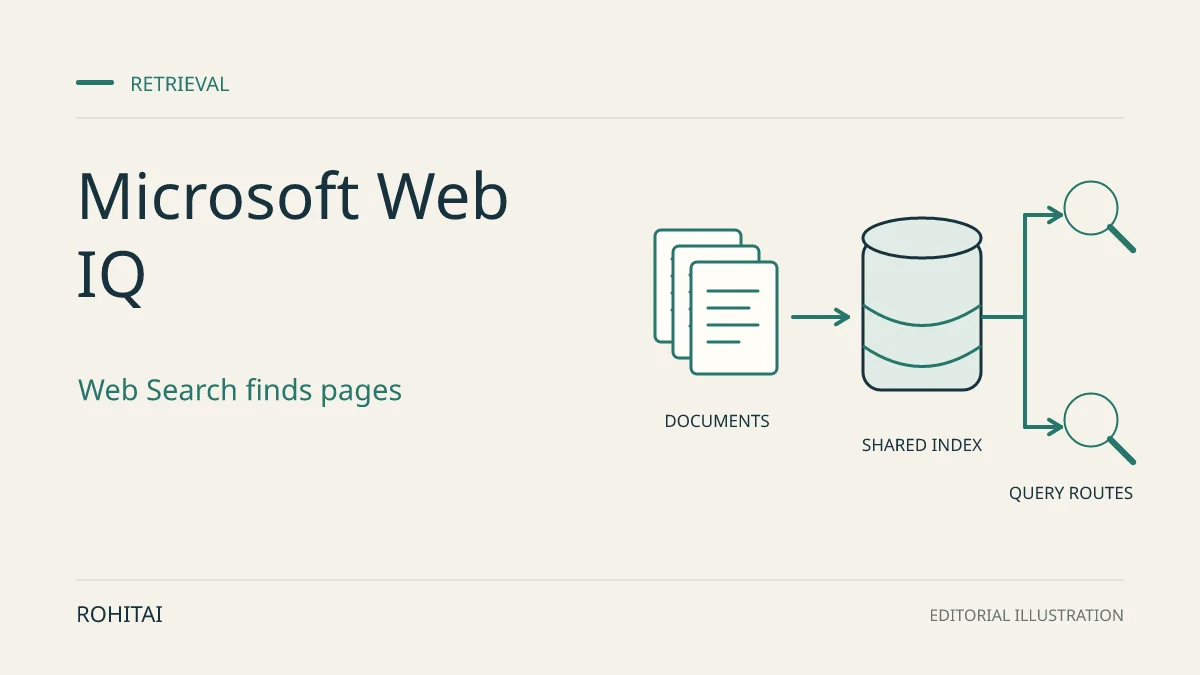
Microsoft announced no-waitlist access to Web IQ on November 17, 2026, giving eligible paid-Azure customers a way to add current web evidence to AI assistants. Web Search costs $7 per 1,000 calls; the advertised $1 starting price applies to Browse, which retrieves content from a known URL. Paying for retrieval does not grant unrestricted permission to display or keep that content.
For a software business adding web-backed answers, the decision has three parts: whether its Azure account qualifies, how many retrieval calls each question needs, and whether its proposed interface and storage fit Microsoft’s content-use terms. Web IQ supplies evidence; your chosen model or application generates the final answer.
Which Azure accounts qualify?
Web IQ requires a paid Azure subscription, including one bought through a Cloud Solution Provider partner. Microsoft’s eligibility guidance excludes Visual Studio, free-trial and student subscriptions, and says Azure credits do not work for the service. If account status blocks resource creation, Microsoft directs customers to their account team for review.
Web Search, Browse, News, Images, Video, Places and Auto are generally available. Commerce remains a private preview with separate access and contractual conditions; ordinary Web IQ access does not establish eligibility for it.
If paid-Azure eligibility is the obstacle, our guide to Firecrawl MCP free access and usage limits covers another web-retrieval route. Its access options do not imply equivalent coverage or reuse permissions.
What do 10,000 retrieval calls cost?
Web Search finds pages; Browse retrieves content from a URL you already know. Browse normally returns indexed content; its optional live-crawl fallback requests a crawl when a URL is missing from the index, but does not guarantee one.
Auto selects sources and returns cited evidence in one call. Microsoft describes its default mode as prioritising speed and Advanced as prioritising comprehensiveness. Both became chargeable on November 17, 2026, according to the current price schedule.
The following illustrative calculation uses Microsoft’s published dollar rates: billable calls ÷ 1,000 × rate. It assumes exactly 10,000 calls to the named option, with no extra retries, discounts, taxes, model charges or hosting costs.
Retrieval option | Price per 1,000 calls | Calculated cost for 10,000 calls |
|---|---|---|
Browse | $1 | $10 |
Web Search | $7 | $70 |
Auto | $8 | $80 |
Auto Advanced | $9 | $90 |
News, Images, Video and Places each also cost $7 per 1,000 calls. These are retrieval charges, not the full cost of an AI answer. Applicable negotiated Azure discounts can change the bill, as Microsoft’s billing guidance explains.
Count calls per task, not just user questions. Suppose 10,000 questions each require one Web Search and three Browse calls. Retrieval would cost (10,000 ÷ 1,000 × $7) + (30,000 ÷ 1,000 × $1) = $100.
If one Auto call satisfied each of those questions, retrieval would instead be $80, or $90 with Advanced. That is a conditional cost comparison, not evidence that the workflows produce equivalent answers. A lower per-call rate is useful only after you know how many calls the task needs.
Can your app retrieve a whole page?
Not automatically. Under Microsoft’s content-format rules, Web Search, News and Browse return relevant passages without full-document access, capped at 3,000 characters per returned content item. Full-document text, HTML and Markdown require additional access requested through support; requesting those formats without it returns an HTTP 403 error.
Even full-document access means a structured version of the page’s meaningful content, not necessarily the original page. Check the required format before choosing an integration. The amount returned to your model is also separate from the amount your app may show to users.
What may your app display?
Under sections 2.5 and Exhibit A of the terms, any retrieved content your app displays must appear with language-model output in an experience that helps users find and navigate to the sources. Put attribution and a link to each source actually used near the answer.
Displayed source text is limited to the lesser of 200 characters per source or the publisher’s own limit. That means characters, not words. It is not a blanket 200-character limit on an original AI answer, but the terms also prohibit summaries that are substantially the same as, or substitute for, the source material.
The same terms prohibit non-Microsoft advertising near displayed responses and use of content from websites that restrict your use, including where your crawler is blocked. They also prohibit reselling the service or content, creating a competing service through it, and using the content to train, evaluate or improve models.
The image and video rules allow metadata to support an answer; the actual images and videos may not be used to ground the model. Displaying that media must use the supplied URLs, and creating derivatives is prohibited. For news content, customers remain responsible for any publisher fees that may apply; the terms do not say every use incurs such a fee.
What may your app save?
The general rule is no persistent copying, caching or archiving of returned content. Exhibit A provides three specific exceptions:
Individual chat history: store generated summaries separately for each end user, for as long as applicable law permits. This is not permission to pool the raw results into a shared archive.
Internal work: store summaries and their attribution links as part of internal work such as memos or presentations, where copyright law permits. The links may be stored only for display with those summaries, not for indexing, crawling or a substitute search database.
One temporary workflow: hold content only as strictly necessary for a single language-model-initiated request or workflow, including its internal steps. Delete it immediately when that workflow ends; do not retain it for later reuse.
This distinction matters if the product depends on saving retrieved pages for later questions: the published exceptions do not amount to permission for a persistent source library. For another supplier-specific example, see Firecrawl company-data rights and costs. Its permissions should not be carried over to Web IQ.
What should you check before integration?
Capacity is shared. Each Web IQ application identity, or AppID, starts with a 15-query-per-second limit across its API keys and linked Microsoft Entra identities. Exceeding it returns HTTP 429. Higher capacity can be requested; creating another key does not increase the allowance.
For business-critical or sensitive workloads, check the service-specific commitments. The current FAQ says Web IQ has no service-level agreement, Private Link support or regional data-residency commitment. Its terms exclude it from Microsoft’s Data Protection Addendum and treat Microsoft and the customer as independent controllers of personal data. An Azure bill does not by itself establish the network or privacy arrangements your app needs.
If those conditions fit, Microsoft’s onboarding guide starts with a Web IQ billing resource in Azure, then connects that resource in the Developer Portal to create an AppID. The portal’s Playground provides the documented first-request check. Confirm full-document access separately if your design requires it.
The practical choice is whether your app can answer with nearby source links, keep only what the terms permit, and fund the retrieval calls each task actually needs. Resolve those requirements before committing to a design built around unrestricted excerpts or a permanent store of retrieved pages.