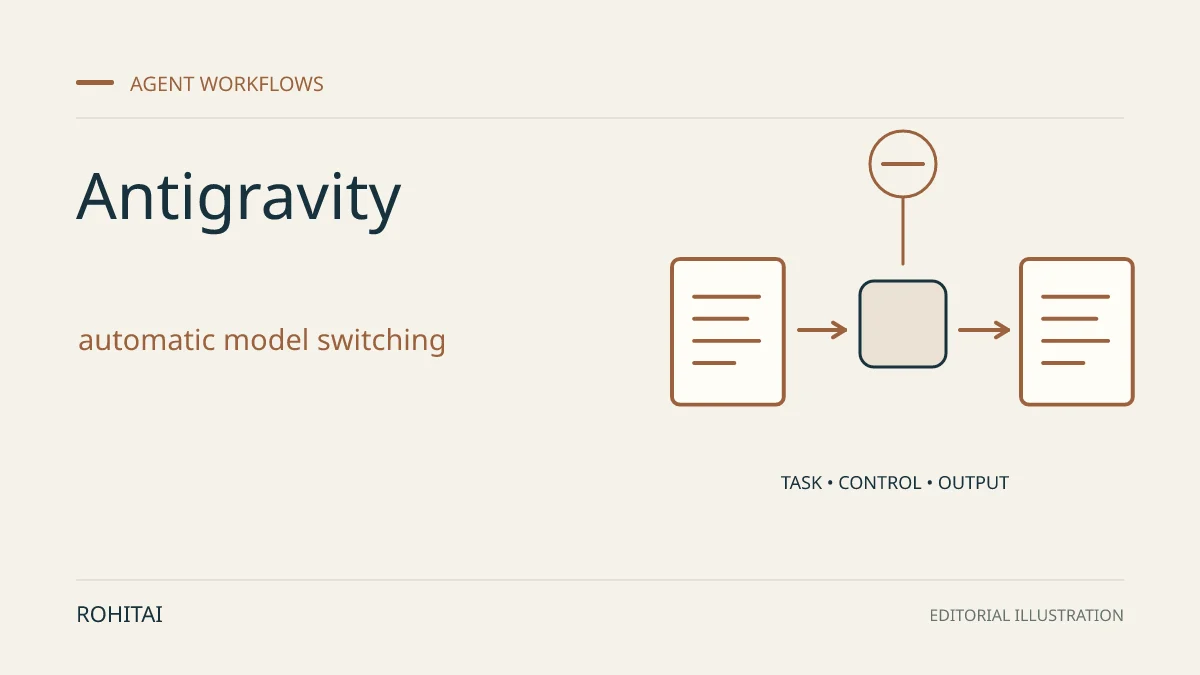
Google announced automatic model switching in its Antigravity coding tool on November 12, 2026, for Google AI Ultra subscribers. The new Orchestrator option moves a task between two AI models, so developers do not have to change models between planning a fix and carrying it out.
In Google’s documented workflow, Carbon plans and reviews; Hydrogen edits the code and runs checks. If implementation encounters an unexpected problem, control can return to Carbon for a revised plan. This remains one agent in one conversation.
That differs from Swarm, which divides work among concurrent agents. RohitAI’s guide to Antigravity’s coding-agent teams explains when that separate approach is useful.
Automatic handoffs or direct control?
The tradeoff is convenience versus control. Orchestrator’s reasoning settings are fixed: you cannot adjust its thinking level. Selecting Carbon or Hydrogen directly lets you keep the task on one model and choose a supported level.
A practical reading of Google’s model-choice guidance:
Consider Orchestrator for a bug fix that needs investigation before edits.
Choose Hydrogen directly for a clearly specified routine change that does not need a separate planning phase.
Choose Carbon directly when the intermediate steps themselves need deep reasoning.
Carbon can answer a read-only question without handing off to Hydrogen. Two models being available therefore does not mean both run on every message.
Check quota and credit settings
Google claims faster completion and lower quota use than Carbon alone. Those are launch claims, not a forecast for your project. Even if a task uses less included quota, that would not reduce a fixed subscription fee.
Ultra’s allowance refreshes every five hours and also has weekly limits. Google’s plans page says usage depends on the work performed, not a fixed number of prompts.
In the Antigravity App, check Settings before starting. Under AI Credit Overages, Never waits for quota to refresh; Always permits purchased or one-time promotional credits to be used after the included allowance runs out, then returns to that allowance when it refreshes. Credits are consumed at standard Gemini Enterprise consumption pricing.
Ultra access is confirmed in both the launch post and model guide. Enterprise access remains unresolved: the announcement says enterprises can use Orchestrator, but the enterprise model table marks it unavailable.
Eligible Ultra users can select Orchestrator below the App’s prompt box. Check that it appears in your account: Google’s changelog warns that releases can take several days to arrive.